

Working with this resource via an AI agent? Datum publishes three skills covering Application Load Balancer: Application Load Balancer (creating and managing one, plus WAF and auth), Client Traffic (TLS termination, HTTP/3, connection limits; not available yet), and HTTPRoute (path routing, traffic splitting, redirects).
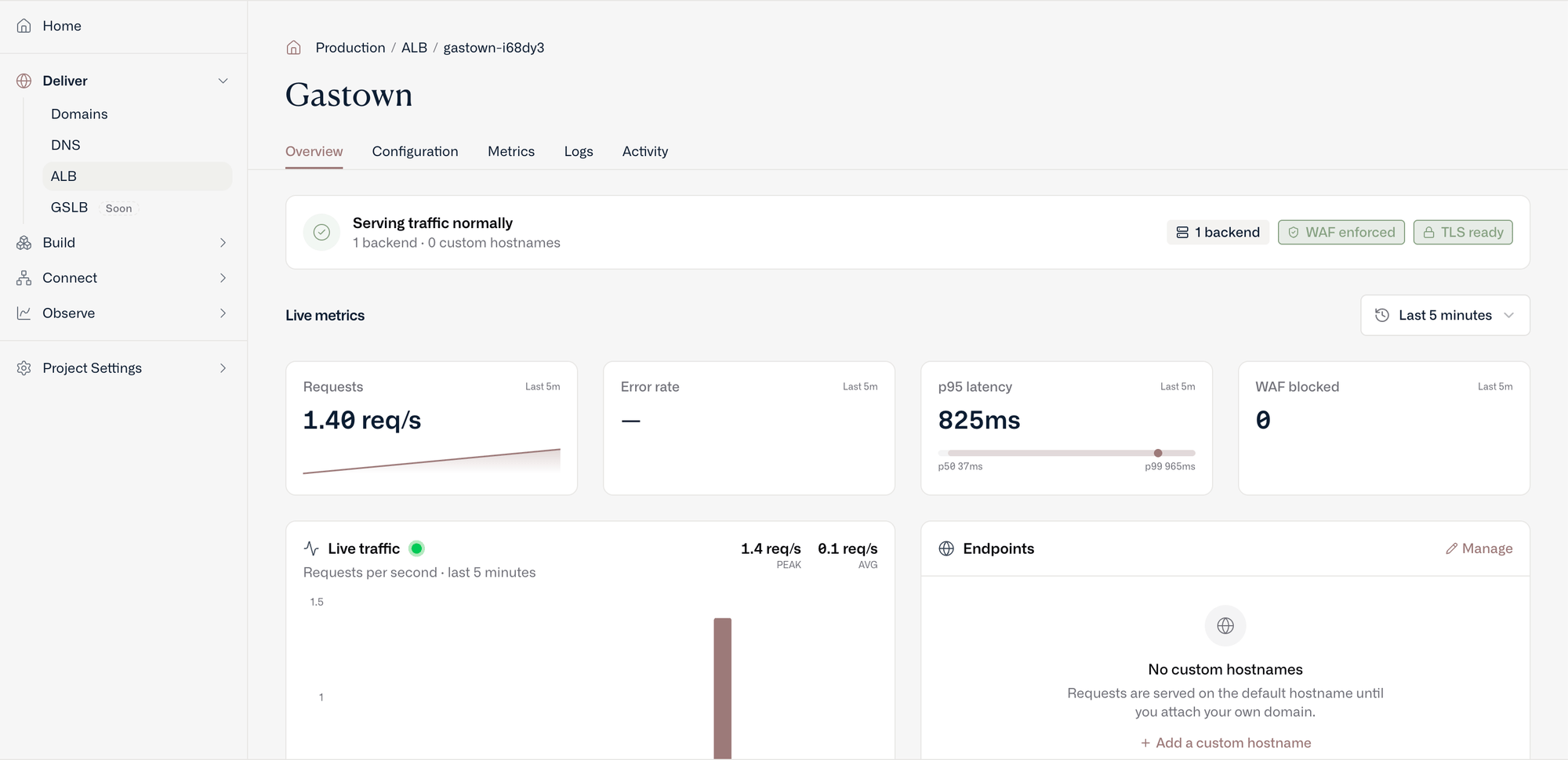
The overview for a load balancer: whether it is serving, live request rate, error rate, latency and blocked requests, and the hostnames it answers on
How it works
An ALB isn’t a server you size or place. You declare it once in your project, and Datum serves it from Envoy in every Datum location:- Clients reach the nearest location. Your ALB’s hostnames are anycast, so each request arrives at the nearest Datum location. Envoy there terminates TLS, runs the firewall, and applies your routes.
- Datum runs and scales the proxies. Envoy runs as a shared fleet in every location, serving every customer’s ALBs. Creating an ALB doesn’t start new infrastructure, and you don’t choose locations or capacity.
- Changes reach every location. When you change an ALB, Datum publishes the new configuration to Envoy in every location.
- Your origin can be anywhere. An origin can be a public site, reached over HTTPS on the internet; Compute Instances, reached over plain HTTP on your private gVPC network; or a service on your own machine, reached through a Connector tunnel.
What an ALB is made of
In Datum today, an Application Load Balancer is a product experience over several platform resources — not a single API kind. Creating an ALB in the Cloud Portal stitches these together for you:
Portal create always POSTs an
HTTPProxy, then attempts a matching TrafficProtectionPolicy (best-effort today if WAF attach fails). There’s no composite ALB API yet. With datumctl, datumctl alb create creates the HTTPProxy and its TrafficProtectionPolicy for you (see Create a load balancer), or you can apply the resources yourself.
To learn how Datum runs Envoy, see Envoy. See HTTPProxy for schemas and datumctl examples.
Features
Each Application Load Balancer deploys with a default hostname and enforces HTTPS (you can disable this).- Protection - The OWASP Coraza Web Application Firewall (WAF) provides built-in protection with the OWASP Core Rule Set, running inside Envoy before requests reach your origin. A load balancer created with
datumctl alb createstarts inEnforcemode at sensitivity 1. ATrafficProtectionPolicythat doesn’t set a mode runs inObservemode. See Roll out traffic protection safely. - Custom Hostnames – Verify domains (or use already verified domain resources) to use custom hostnames with an Application Load Balancer.
- Basic Authentication - Add a username and password to restrict access to an Application Load Balancer.
- Load Balancing - Split traffic across several origins by weight, choose the load balancing algorithm, and turn on passive health checks. See Load balancing and health checks.
- Status – View status “Accepted” and “Programmed”, Generated hostname(s), Custom hostname verification status, and TLS verification status.
- Metrics - The Datum Cloud portal provides a variety of baseline metrics, filtered by region, including: global upstream latency percentile, regional upstream RPS, and regional upstream response.
- Activity Logs - View and filter activity across a project, and filter by resource type (including Application Load Balancer) and action.