Portal
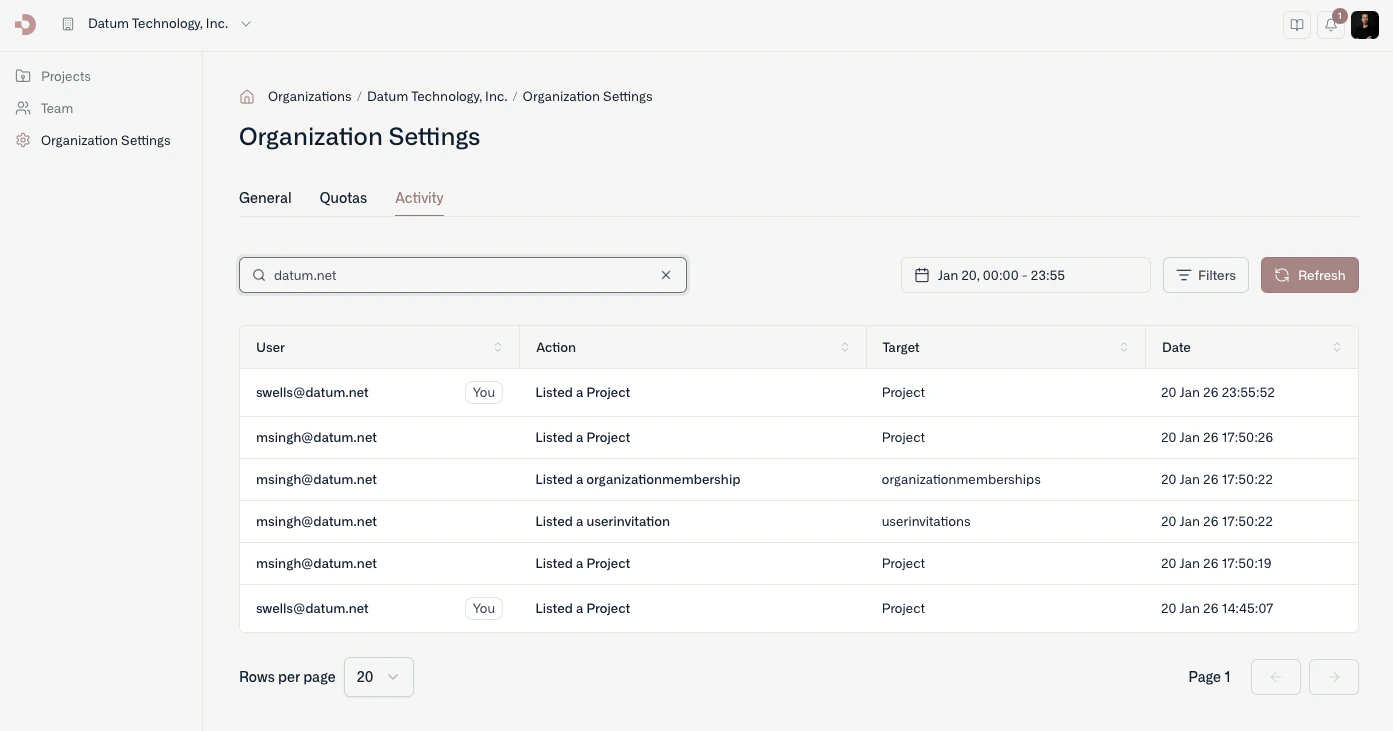
Access activity logs from the organization’s settings page.
You can also query and filter audit logs for a project by navigating to a project’s settings page.
Command line
With datumctl, you can browse audit logs from the terminal and pipe them into jq or other tools.
For example, to see the last 7 days of audit logs:
By default, datumctl activity audit retrieves the last 24 hours of activity. You can use the --filter option to specify a CEL expression to filter the audit logs returned. For commands and examples, see Audit logs and events and Change history and feed.Last modified on October 23, 2026