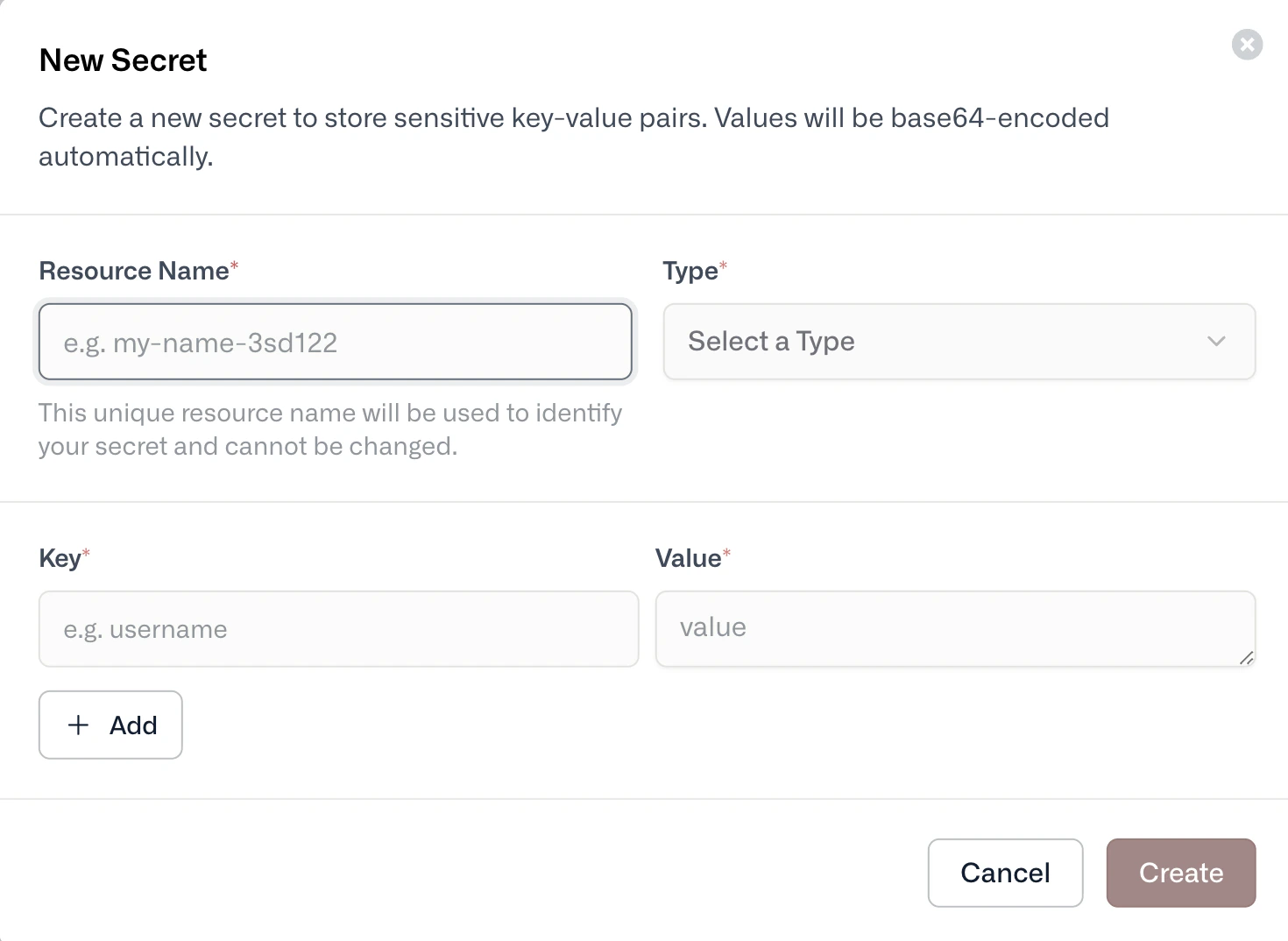
Create a Secret with datumctl
A Secret is a Kubernetes-style resource, so you create it with a manifest and datumctl apply. To create a Secret, follow these steps:
-
Save the following manifest as
api-secrets.yaml:
Replace PASSWORD with the value to store.
-
To create the Secret in your active project, run the following command:
To target a different project, add --project PROJECT_ID. For more information, see Contexts and scoping.
A manifest with stringData holds the secret value in plain text. Don’t commit it to source control.
List and inspect Secrets
To list the Secrets in your project, run the following command:
To inspect one Secret, run the following command:
Update or delete a Secret
To change a Secret, edit the manifest and run datumctl apply -f again. To delete it, run the following command:
Use a Secret
Compute workloads can read a Secret as environment variables or as files. For more information, see Configuration. Last modified on October 23, 2026