

See your usage
To see your organization’s usage in the Cloud Portal, select your organization, then select Usage. The page shows metered consumption across every project in the organization for the current billing cycle. To look at an earlier cycle or a single project, use the filters at the top. Usage is grouped by product. For example, Compute meters the CPU and memory allocated to your Instances and how long they run, and DNS meters active records and the queries Datum answers.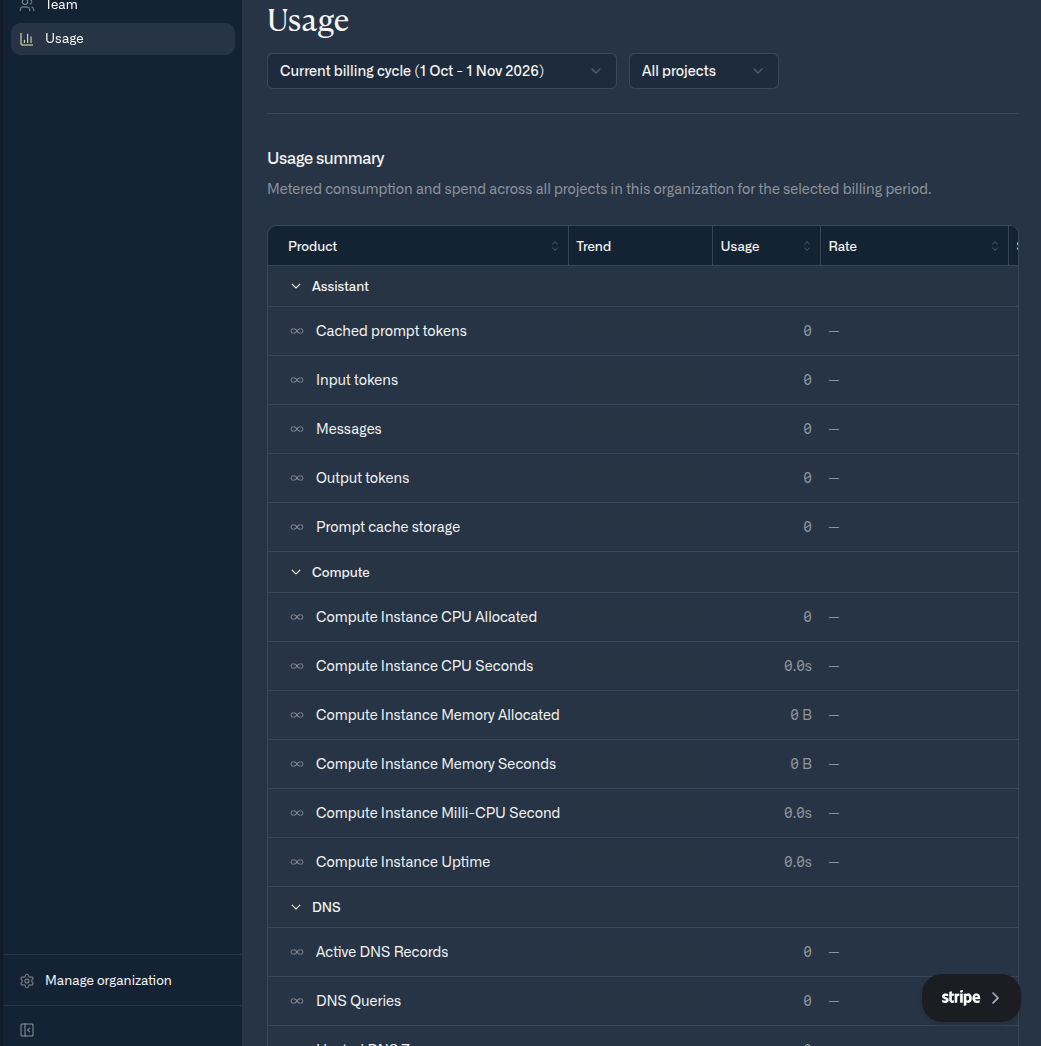
Metered usage across every project in an organization
Related
- Compute limits and quotas
- gVPC limits and quotas
- ALB limits and quotas
- If a quota constrains your work, contact support@datum.net.