

datumctl commands run against a Project.
Projects in the Cloud Portal
To see your organization’s projects, select your organization in the Cloud Portal, then select Projects. Each project shows its ID, which you use withdatumctl, such as in datumctl ctx use ORG_ID/PROJECT_ID. To create a project, select Add project.
An organization can have up to 10 projects. To request more, contact support@datum.net.
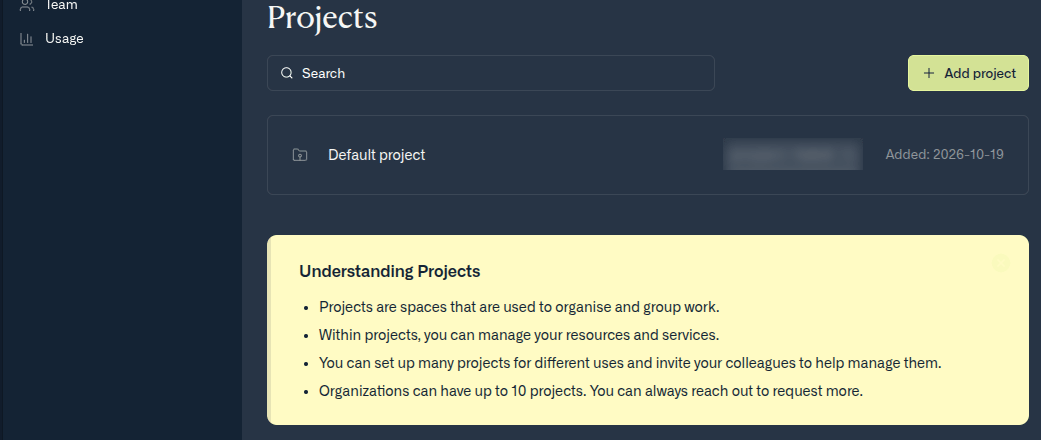
Your organization's projects
In this section
- Service accounts — non-human identities for applications, CI/CD pipelines, and agents.
Related
- Account setup — create an organization and a Project.
- Contexts and scoping — choose which organization or Project
datumctlworks in.