

- You will be asked to use a Google or a GitHub account for authentication.
- Your account will be associated with the primary email on your social account.
- We do not accept email and password registrations at this time.
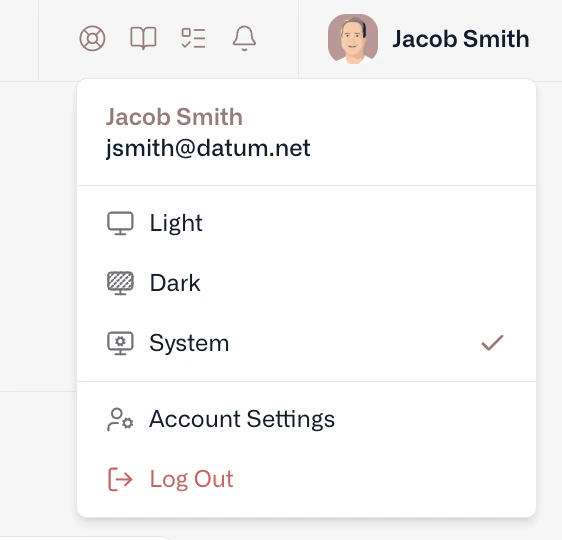
Find your profile in the top right of the portal
Orgs & projects
We use a standard cloud data model that associates Projects within Organizations. All organizations use our standard quota limits, including support for collaborators, projects, and shared resources.Personal organizations have been deprecated as of July 14, 2026. All existing organizations have been automatically upgraded to standard quota limits — no action required.
Payment method
A payment method is required for every active organization to improve the security and stability of our platform. Datum is currently free during public beta, and your account won’t accrue any charges without prior notice.Confirming your contact details
As part of adding your payment method, we’ll ask you to confirm:- Your legal name.
- Any company name you want associated with an organization.
Team management
To collaborate with team members, you’ll need to create or join an Organization. Organizations support the following coarse-grained roles:- Owners - Full control over the organization and all resources.
- Editors - Control over all resources in an organization, except for team members.
- Viewers - Read-only access to all resources in an organization.